





Nextiva Admin Portal: Overview & FAQ
For any questions regarding Nextiva, please contact PepperPointe IT
Nextiva Admin Portal Link
This guide goes over the available features in the Nextiva Admin Portal and provides links to other available guides, as well as FAQs.
*NOTE* If you do not have a Nextiva Admin account, or forgot your password, you must contact PepperPointe IT.
Table of Contents
Features of the Nextiva Admin Portal
1. To login to the Nextiva Admin Portal, navigate to the sign-in page and enter your credentials.
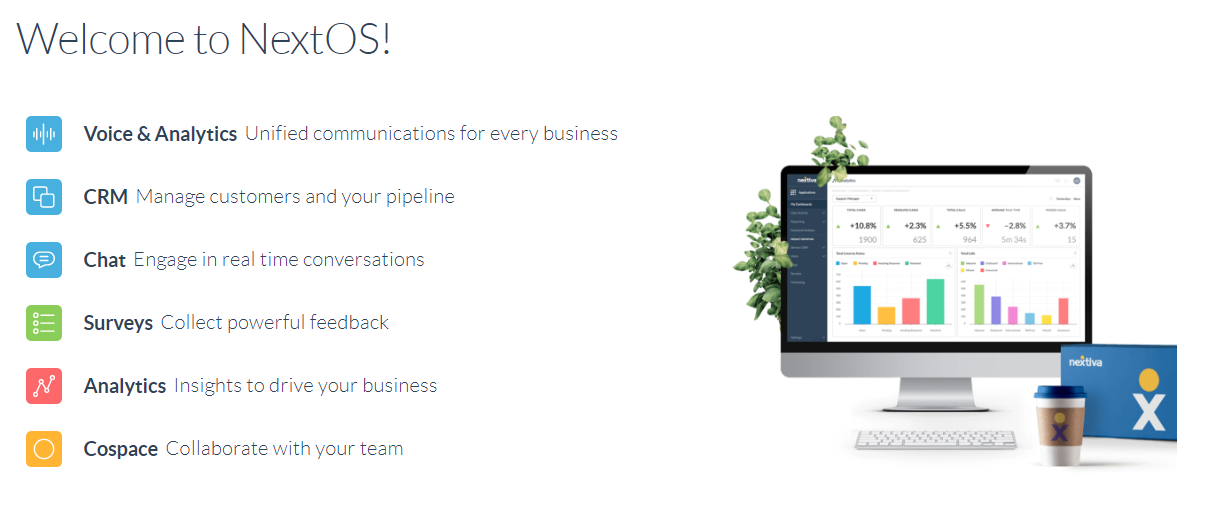
2. Select "Voice & Analytics"
This is what the main dashboard of your portal will look like:
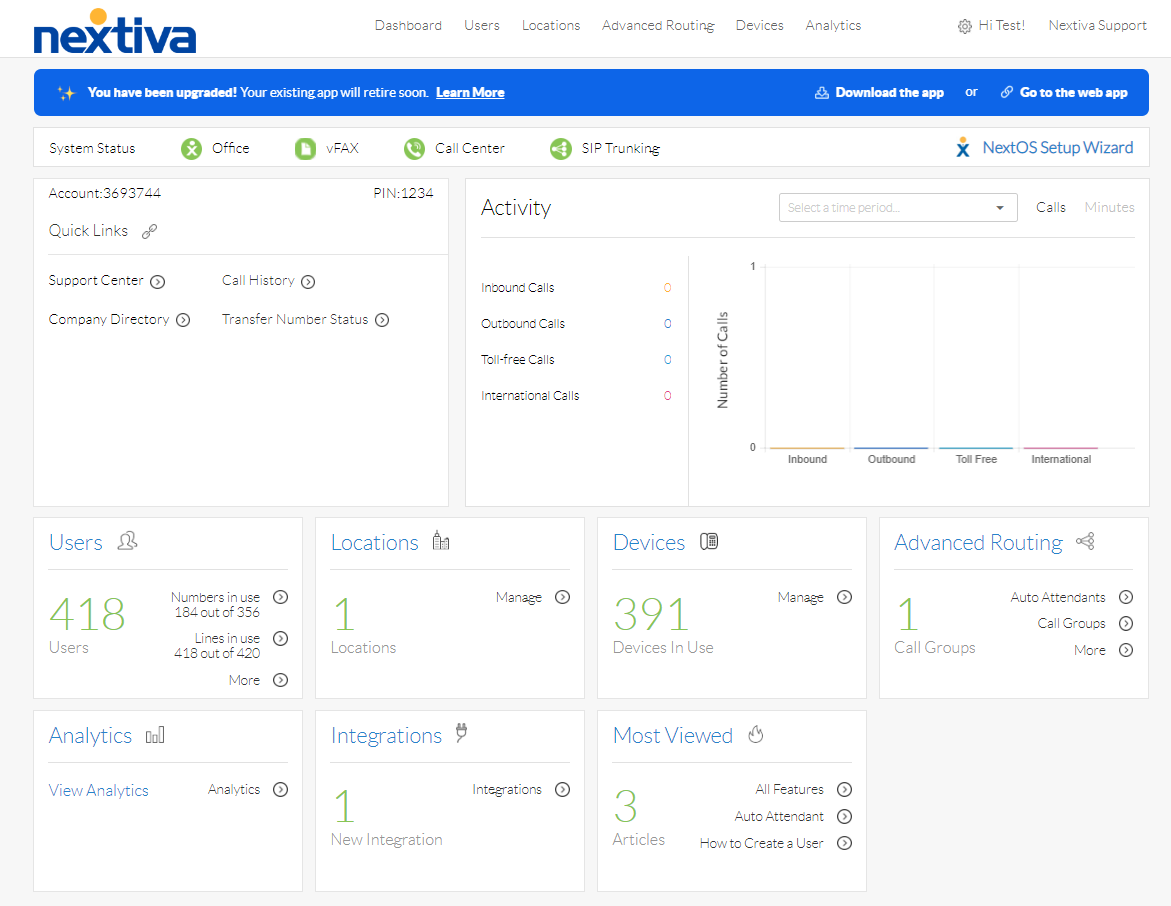
Features of the Nextiva Admin Portal
*NOTE* Some features are only available to PepperPointe administrators due to complexity.
| PP Admins | Practice Admins |
| Call Forwarding | Schedules |
| Auto Attendants | Greetings/Voicemail |
| Call Flows | Call History |
| Cloud Voicemail | User/Device Monitoring |
Due to the complexity of the Nextiva Admin Portal, we ask that you only access features mentioned in these guides and DO NOT attempt to make advanced changes on your own. Failure to do so may result in broken call flows or loss of service to your devices. If you're in doubt about the changes you're making, please contact PepperPointe IT.
As mentioned above, please edit the features mentioned in these guides
Please click on the link below to see all available guides, or view the full list below
https://help.pepperpointe.com/kb/section/14/
Nextiva Admin Portal: Schedules
Nextiva Admin Portal: Viewing Call History
Nextiva Admin: User Monitoring
Nextiva Admin: Uploading Greetings
Nextiva Admin: Changing Passwords/VM PINS
If you have a question that is not mentioned below, please submit a ticket.
Q: Can a call be recorded or obtained after the fact?
A: While higher-tier Nextiva accounts support this, currently we do not support this feature.
Q: How do I change who obtains voicemail?
A: Since this involves advanced edits, we ask that you contact PepperPointe IT with your request.
Q: Can I use Nextiva on my phone?
A: Yes! Each phone has a user account associated with it and can be monitored via the Nextiva mobile app. Please follow this guide on setting up NextivaONE for a user
Q: Can I block all "anonymous" calls?
A: Yes, but this will need to be configured by PepperPointe IT.
Q: Can I view voicemails from the cloud or from out of the office?
A: Yes, but it will require major changes to the way voicemails are obtained and saved. Please contact PepperPointe IT for more details on Cloud Voicemail
Q: Can you record my voicemail/greeting message?
A: We do not record messages, but there are plenty of websites that will generate an AI recorded message. We recommend someone from the practice record a message.

