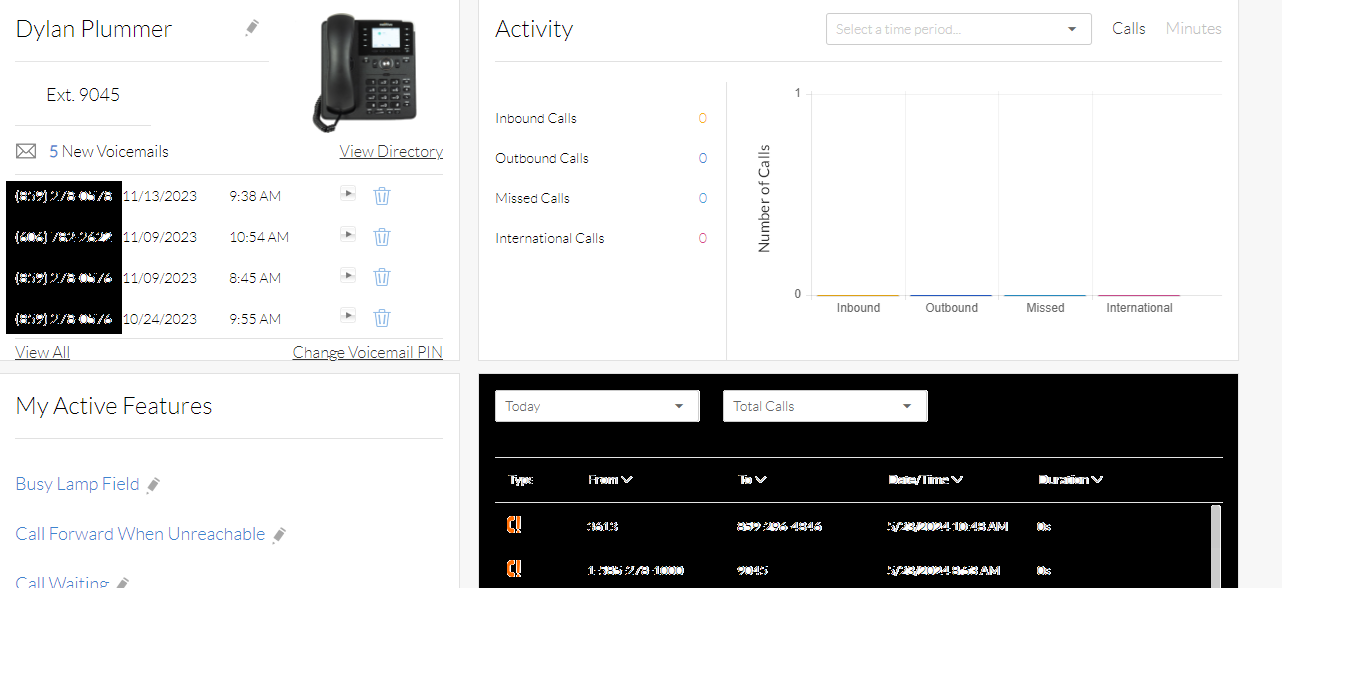

Nextiva Admin: User Monitoring

May 23, 2024


Nextiva Admin Portal: User Monitoring
For any questions regarding Nextiva, please contact PepperPointe IT
Nextiva Admin Portal Link
This guide will walk you through briefly monitoring a user to see if they have VMs or have taken any calls.
For other Nextiva-related issues, please refer to the Nextiva overview guide.
*NOTE* If you do not have a Nextiva Admin account, or forgot your password, you must contact PepperPointe IT.
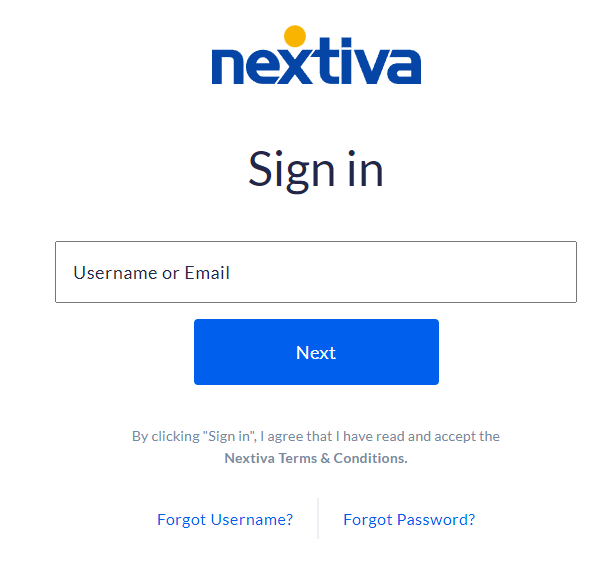
1. Navigate to the Nextiva Admin Portal and login
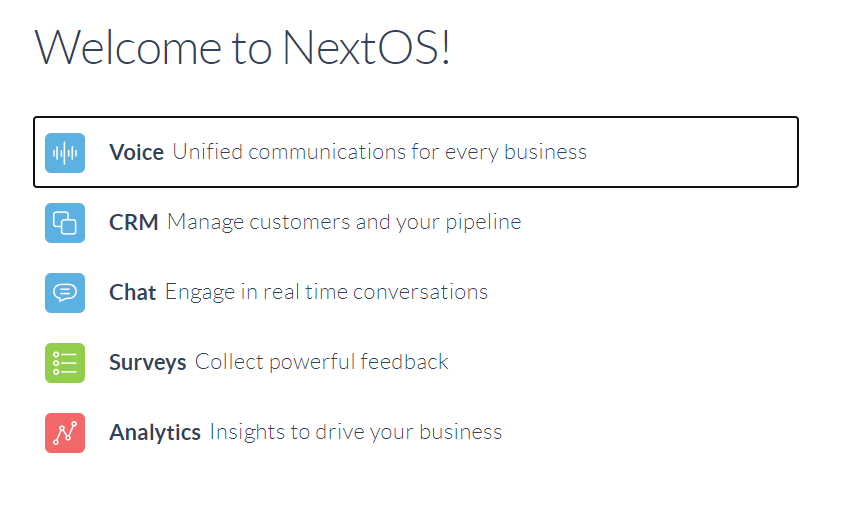
2. Once logged in, select "Voice"
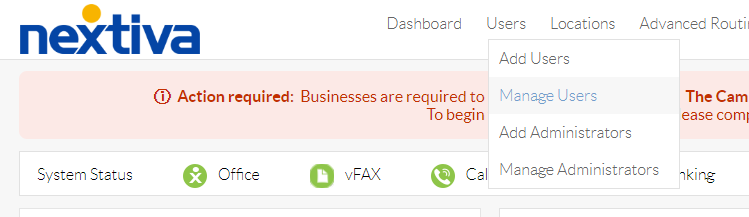
10. On the top bar, select Users > Manage Users
11. Select the user that you would like to monitor.

12. Select "Log In As User"

13. From here, you'll be able to see the users voicemails and call log.