
Remove Microsoft Intune Join

May 29, 2024
Whenever you log into a Microsoft Outlook email, you will get prompted by a window asking if you would like to let your organization control your device with a check-box. The box is checked by default.
Doing this adds several policies to your computer, including password requirements and screen-lockout timers. These are measures for HIPAA compliance, but we are not currently enforcing this for practices we don't officially provide full IT management and support for.
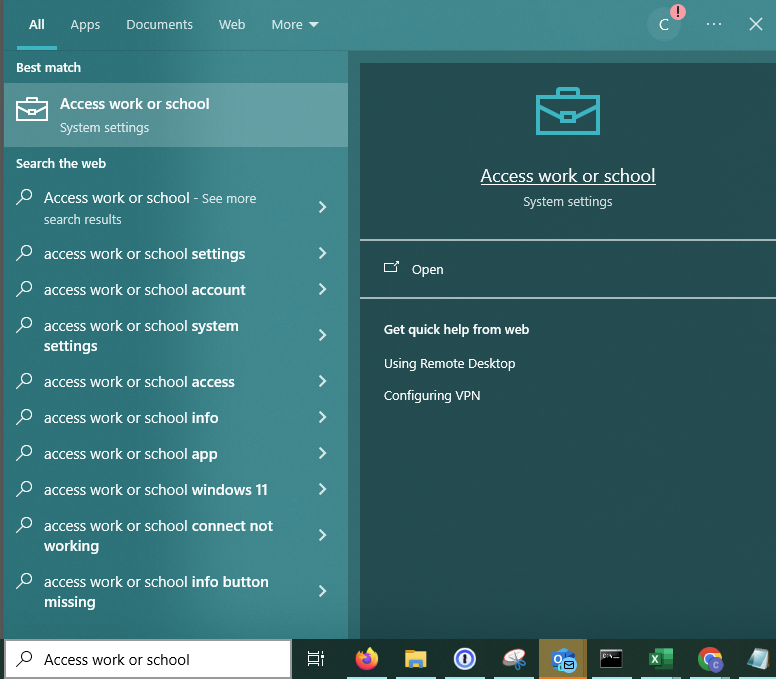
To revert this, search for "access work or school" in the search bar on the bottom of your screen.
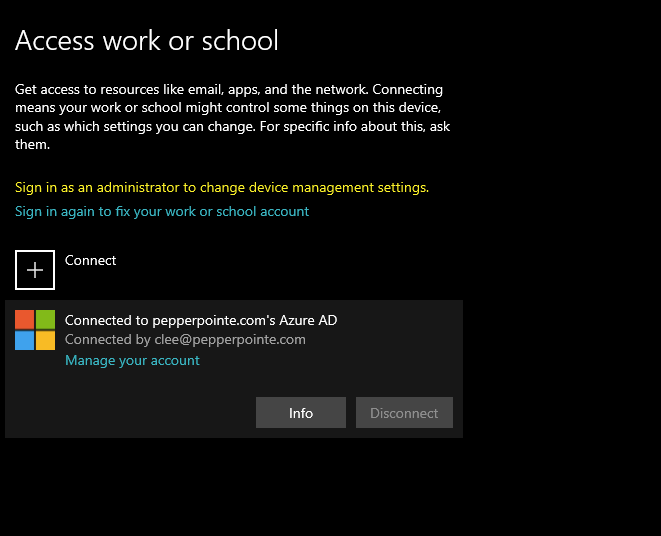
On the window that appears, click on the email account, then disconnect.