


Modify Work Schedule in Outlook

Jul 31, 2024
Outlook calendar includes a way for team members to share their weekly schedule and have it visible on their calendar and to other team members.
This can be found under settings and Calendar> Work hours and location on both web and desktop versions of Outlook (see below)

Once setup, the work hours will be reflected on a user's calendar (via a slight color differentiation for the hours) and the location will be listed as a symbol at the top of each day. See example below
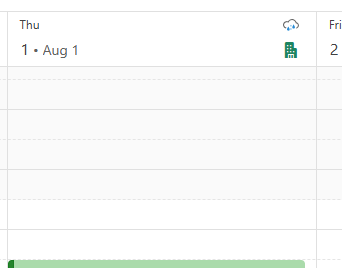 The lighter shade of white represents the active work hours.

